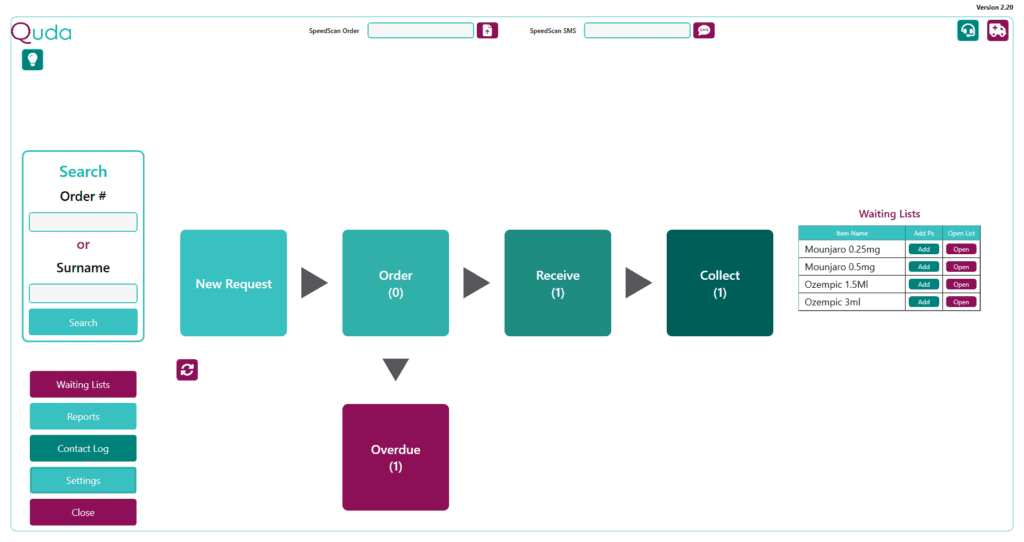
Quda separates the special order process into 4 main steps, indicated by the 4 teal coloured tiles in the centre of the home screen.
New Request When a patient requests an item that you don’t have stock of, clicking on this tile will prompt you to enter all the necessary information to create a request for a special order.
Once an order is requested, it then moves to the Order section – unless you have “Already ordered from supplier ticked”, in which case your order moves straight to the Receive section.
Order This section shows you all special orders that have been requested but have not yet been ordered from a supplier.
Whoever is in charge of ordering for each department (e.g., front-of-shop, dispensary, etc) should work together to ensure this tile is ideally at 0 at the end of each day (i.e., all items have been ordered).
Receive This section shows you all special orders that have been ordered and are waiting to be received in from the supplier.
Whenever any stock arrives in the pharmacy, the person receiving the stock should check here to see if any of the items are for a special order.
Collect This section shows you all orders that are still in the pharmacy waiting to be picked up by the patient. When a patient comes in saying they have a special order to pick up, this is where the order will be sitting.
Once an order has been marked as collected, it is then finalised and removed from the process.
Overdue When a request is marked as ordered, an estimate of the date on which the stock will arrive at the pharmacy (i.e., “ETA”) must be entered by the user.
If an order is not marked as Received on its designated ETA, the order shifts to the Overdue tile on the following day to prompt investigation and action.
Regardless of the cause of an order being overdue (e.g., stock was put up on a shelf, order was never finalised, item is now out-of-stock etc), the Overdue tile helps to prominently alert you to when this has happened so you can address the delay and update the patient accordingly.
If you have no orders that are overdue, the Overdue tile is not visible.
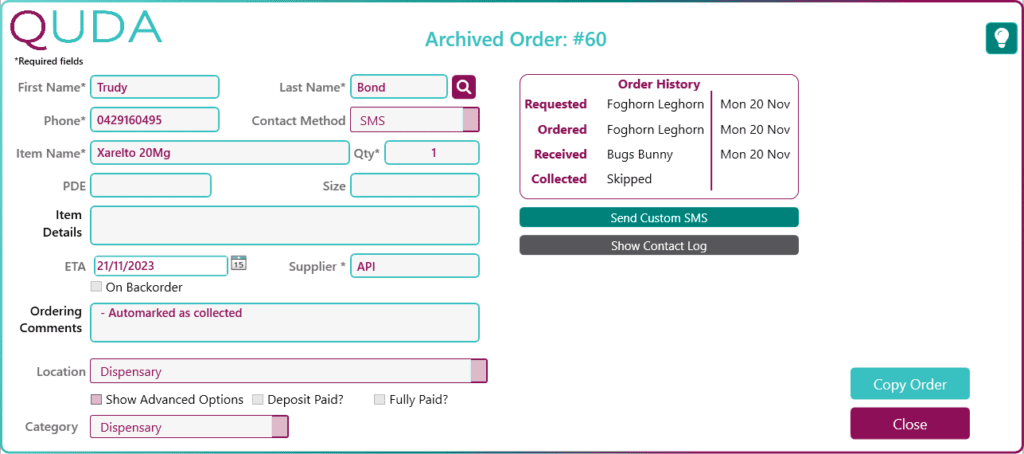
Archived Orders Once an order has been marked as Collected, it is marked as Archived and is no longer accessible by any of the main tiles on the home screen.
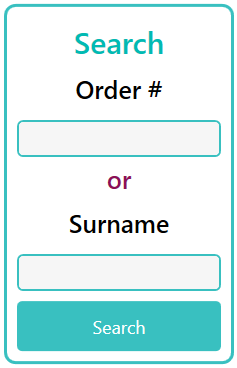
However, you can always enter either the Order Number or Surname of any past orders into the Search window on the left of the home screen to bring up any matching orders – including past orders that have been archived.
While this allows you to see a complete record of any special orders you’ve finalised in the past, you can also click the Copy Order button to begin creating a New Request using the same information (i.e., patient name, phone number, and item name) as that order if you wish.